18+
VR cams · Updated October 2026

VR Webcam Sites in 2026

Only three of the 14 cam platforms we track document VR shows: Stripchat (at vr.stripchat.com), CamSoda (at vr.camsoda.com) and XloveCam (a VR mode for WebXR headset browsers). All three work in the headset's web browser, with no app to install, on devices such as Meta Quest. Here is how VR webcam sites work, which headsets each supports and what the limits are, checked October 14, 2026.

Sites ranked3
Free to watch3
Full reviews3
Prices checkedOct 14, 2026
Prices from official pages onlyUnverified data marked as suchRe-checked monthly
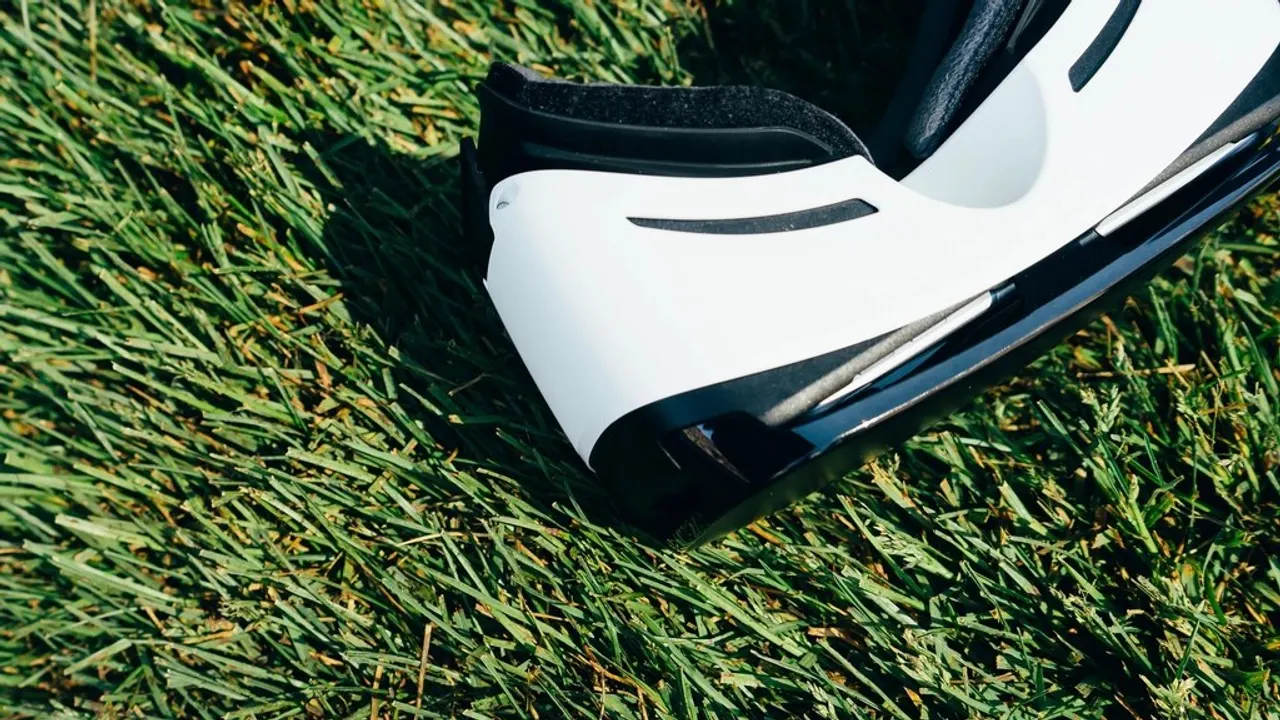
A VR headset resting on a desk next to an open laptop

In short

  • Best VR cam site: Stripchat, with the longest headset list and VR private shows.
  • Most VR show formats: CamSoda, with private and Golden Ticket shows, toys and games in VR, plus a Dreamcam partnership since February 2026.
  • Euro pricing: XloveCam, a VR mode in WebXR browsers such as Quest 2 and Pico 4.
  • No VR documented on Chaturbate, BongaCams, LiveJasmin, MyFreeCams, CAM4 or the other platforms we track.

How VR webcam sites work

A VR cam show is a live stream that a VR headset displays as an immersive view instead of a flat video window. On the three sites that support it, you open the platform's VR page in the headset's own web browser and log in as usual; there is no separate app to install. Stripchat's help center says VR shows run at vr.stripchat.com in the headset browser with "no app needed", and XloveCam's VR mode uses WebXR, the browser standard for virtual reality.

VR is a performer choice. Only performers who set up VR streaming appear in the VR section, and CamSoda tags them on its homepage. None of the three platforms publishes how many performers stream in VR, so expect a far smaller choice than in the regular directory. All performers are verified adults aged 18 or older, as on the rest of each site.

The best VR webcam sites

These are the only platforms on our list with official VR documentation. We ranked them on supported headsets, which paid shows work in VR and how clearly the setup is explained. We did not test VR streams ourselves.

1

Stripchat

Model
Free to watch, tips
Currency
Tokens
Price
$0.080 to $0.105 per token
Free chat
Yes
Private shows
Yes
Apps
mobile web

Stripchat runs VR at vr.stripchat.com. Its help center recommends Meta Quest, Quest 2, Quest 3, Quest 3S and Quest Pro, Rift and Apple Vision Pro, and also lists Valve Index, HP Reverb, HTC Vive Pro, Pico 4 and Cardboard. Performers set their own prices for VR private shows, and Stripchat deducts a weekly VR provider fee from VR models' earnings.

Outside VR, Stripchat is free to watch logged out and has the broadest show menu of any token site, from private and Exclusive Private shows to cam2cam, group, ticket and spy shows. Its help center publishes an example token table from 200 tokens for $20.99 to 12,570 tokens for $999.99.

Best for

The widest headset support and VR private shows on a free-to-watch site.

Read the full Stripchat review

2

CamSoda

Model
Free to watch, tips
Currency
Tokens
Price
$0.081 to $0.140 per token
Free chat
Yes
Private shows
Yes
Apps
mobile web

CamSoda tags VR models on its homepage and runs them at vr.camsoda.com. Its FAQ lists Meta Quest 2, 3 and Pro, Oculus, HTC Vive, Valve Index, HP Reverb, Apple Vision Pro and Android Cardboard. Private and Golden Ticket shows work in VR, along with Lovense toys and Spin the Wheel. In February 2026 CamSoda announced an integration of Dreamcam's VR streaming technology for its models and viewers (XBIZ).

CamSoda also publishes its token prices in its FAQ (from 50 tokens for $6.99 up to 3,100 for $249.99) and includes cam2cam in the private rate when the model enables it.

Best for

The most interactive VR shows, with published token prices.

Read the full CamSoda review

3

XloveCam

Model
Pay per minute
Currency
Euro credits
Price
€1.00 to €1.14 per credit
Free chat
Yes
Private shows
Yes
Apps
mobile web

XloveCam offers a VR mode for WebXR headset browsers, naming Quest 2 and Pico 4 as examples, and recommends a connection of 8 Mbps or more. In VR, cam2cam is limited to your microphone. XloveCam's per-minute private prices are shown on each performer's profile in euros, and its credits are plain euros.

Best for

VR viewing on a European per-minute site with clear euro prices.

Read the full XloveCam review

VR headset support compared

Headset or deviceStripchatCamSodaXloveCam
Meta Quest 2YesYesYes (example)
Meta Quest 3 / 3SYes / YesQuest 3 listedNot listed
Meta Quest ProYesYesNot listed
Apple Vision ProYesYesNot listed
Valve Index, HP Reverb, HTC ViveYes (Vive Pro)YesNot listed
Pico 4YesNot listedYes (example)
Phone with CardboardYesAndroid CardboardNot listed
Where to open itvr.stripchat.comvr.camsoda.comVR mode on the site

From each platform's VR help page, checked October 14, 2026. "Not listed" means the platform does not name the device, not that it fails; XloveCam's VR mode works in WebXR browsers generally.

And across all 14 platforms, here is where VR is documented:

PlatformVRCam2camToysPrivate
ChaturbateNot confirmedYesYesYes
StripchatYesYesYesYes
BongaCamsNot confirmedYesYesYes
LiveJasminNot confirmedYesYesYes
CamSodaYesYesYesYes
MyFreeCamsNot confirmedYesNot confirmedYes
CAM4Not confirmedYesYesYes
StreamateNot confirmedYesYesYes
Flirt4FreeNot confirmedYesYesYes
JerkmateNot confirmedYesYesYes
ImLiveNot confirmedNot confirmedYesYes
XloveCamYesYesYesYes
Cams.comNot confirmedYesYesYes
SkyPrivateNot confirmedYesYesYes

How to watch VR cams

  1. Check your headset. Use a device the platform lists (see the table) and update its browser.
  2. Open the VR page in the headset browser. Go to vr.stripchat.com or vr.camsoda.com, or open XloveCam and switch to VR mode.
  3. Log in. Use your normal account on that platform, with the same tokens or credits you use on the regular site.
  4. Check your connection. XloveCam recommends 8 Mbps or more for VR.
  5. Set your budget first. VR private prices are set by each performer, so check the rate before you start a paid show.

Do VR cams cost more?

We found no separate VR surcharge for viewers on any of the three platforms' pages. On Stripchat, performers set their own VR private prices, the same way they price regular privates (8 to 150 tokens per minute for privates). On CamSoda, VR privates and Golden Ticket shows are paid in tokens at the performer's rate. On XloveCam, the per-minute euro price on the profile applies. On the performer side, Stripchat deducts a weekly VR provider fee from VR models' earnings. For private show costs across platforms, see how much a private webcam show costs.

Limits of VR cam sites today

  • Small choice: only performers with VR setups appear, and no platform publishes a count.
  • Headset required: Stripchat and CamSoda list Cardboard for phones; every other device on their lists is a dedicated VR headset.
  • Fewer interactions: on XloveCam, cam2cam in VR is limited to your microphone.
  • No app stores: like all adult cam platforms, VR cams run in the browser, not as an app in a headset or phone store. Our guide to cam sites on mobile explains why.

If VR matters more than anything else, Stripchat and CamSoda are the two to compare side by side: see CamSoda vs Stripchat. For toys that react to tips in VR rooms, read our interactive toys guide. For the full ranking of 14 platforms, see the best webcam sites, and for stream quality on regular screens see HD webcam sites.

FAQ

Which cam sites support VR?

Of the 14 platforms we track, only Stripchat (vr.stripchat.com), CamSoda (vr.camsoda.com) and XloveCam (VR mode for WebXR browsers) document VR shows. We found no VR feature on Chaturbate, BongaCams, LiveJasmin, MyFreeCams, CAM4 or the others.

Can I watch VR cams on a Meta Quest?

Yes. Stripchat and CamSoda list Meta Quest 2, 3 and Pro (Stripchat also Quest 3S), and XloveCam names Quest 2 as an example. Open the VR page in the Quest browser; no app is needed.

Do VR cams work on Apple Vision Pro?

Stripchat and CamSoda both list Apple Vision Pro among supported devices. XloveCam does not name it.

Are VR cams free?

None of the three publishes a separate VR fee for viewers. Private VR shows are paid at the performer's rate on Stripchat and CamSoda, and at the profile's per-minute price on XloveCam.

Sources we checked

Official pages read for this article (last check 2026-10-14). Links open the source site.